
Smartphones have become an essential part of our daily lives. From communication and work to entertainment and banking, we rely heavily on these small devices. But what happens when your phone suddenly starts acting up? Slow performance, battery drain, app crashes, or connectivity issues can be frustrating.
In this complete guide, you’ll learn how to fix common smartphone problems quickly without needing advanced technical skills. This SEO-optimized article is designed to be practical, easy to follow, and effective for both Android and iPhone users.
Why Smartphone Problems Happen
Before jumping into solutions, it’s important to understand why issues occur in the first place. Most smartphone problems are caused by:
- Software bugs or outdated apps
- Low storage space
- Background processes consuming resources
- Battery wear and tear
- Poor network connections
- Malware or unsafe apps
The good news? Most of these problems can be fixed within minutes.
How to Fix Common Smartphone Problems Quickly
Let’s explore the most common issues and their quick solutions.
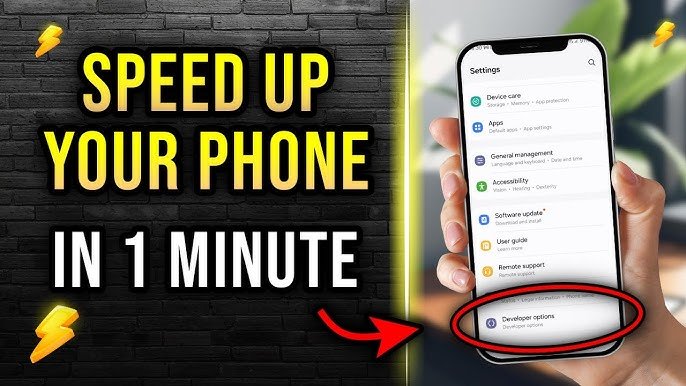
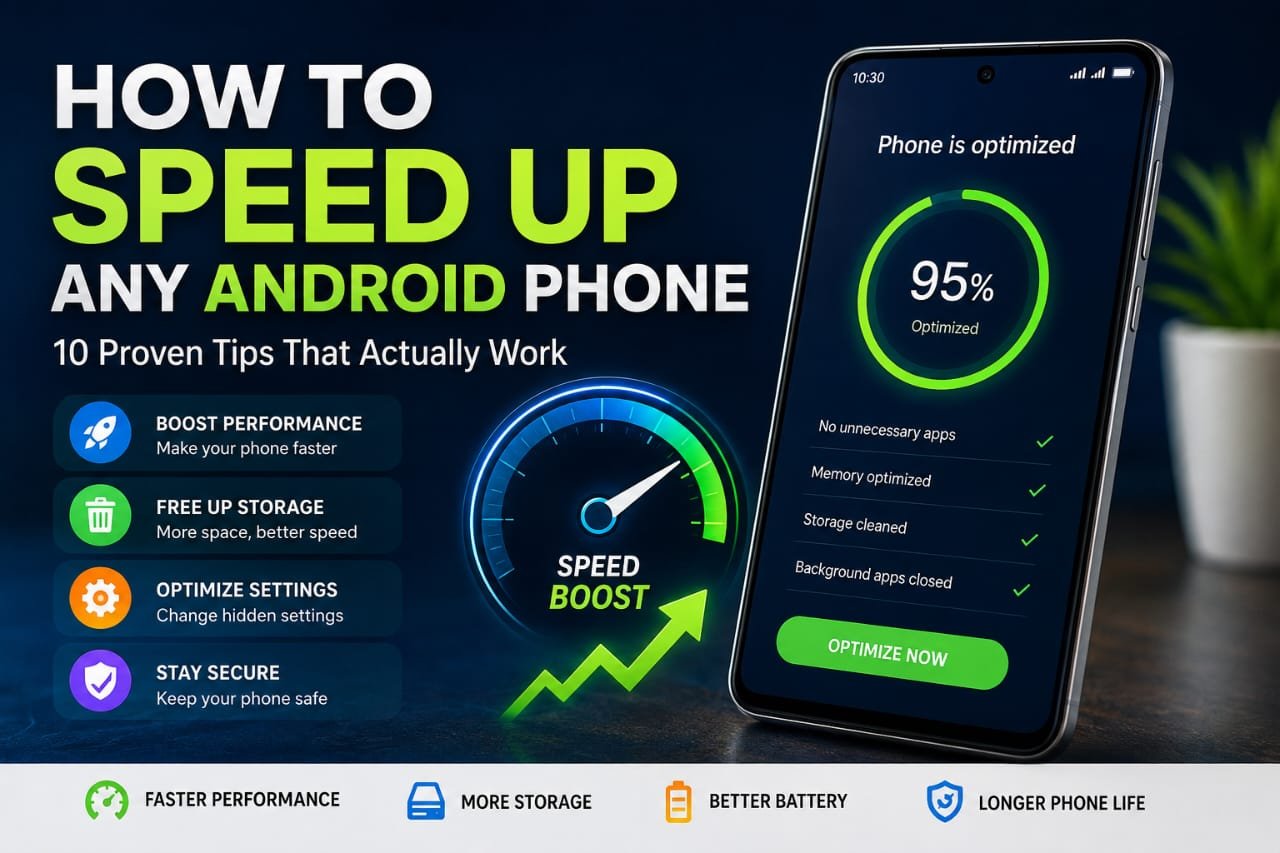
1. Phone Running Slow
Why It Happens
A slow smartphone is usually caused by:
- Too many apps running in the background
- Full storage
- Outdated software
Quick Fixes
Clear Background Apps
Close unused apps to free up RAM.
Restart Your Phone
A simple restart can refresh the system and improve speed.
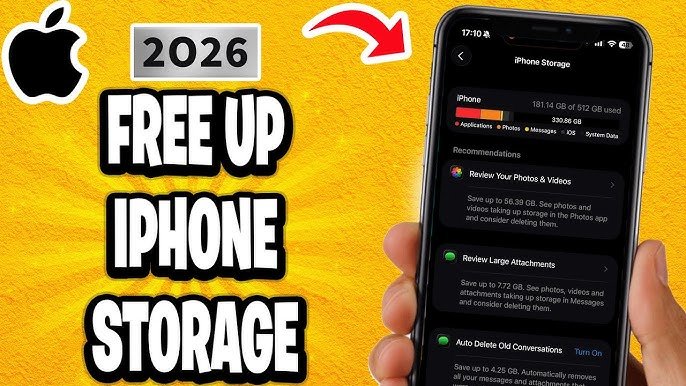
Free Up Storage
- Delete unnecessary photos, videos, and apps
- Clear cache data
Update Software
Go to Settings → Software Update and install the latest version.
Pro Tip
Keep at least 20% storage free for smooth performance.
2. Battery Draining Fast
Why It Happens
Battery issues are one of the most common complaints:
- High screen brightness
- Background apps
- Location services
- Old battery health
Quick Fixes
Reduce Screen Brightness
Lower brightness or enable auto-brightness.
Turn Off Background Apps
Limit apps running in the background.
Disable Unused Features
Turn off:
- Bluetooth
- GPS
- Wi-Fi (when not needed)
Enable Battery Saver Mode
Most smartphones have a built-in power-saving mode.
Check Battery Usage
Go to Settings → Battery → Usage to identify draining apps.
3. Apps Crashing or Freezing
Why It Happens
Apps crash due to:
- Bugs
- Compatibility issues
- Corrupted cache
Quick Fixes
Update the App
Visit Play Store or App Store and update the app.
Clear Cache
- Go to Settings → Apps → Select App → Clear Cache
Reinstall the App
Uninstall and reinstall the app to fix errors.
Restart Your Device
This can resolve temporary glitches.
4. Overheating Issues
Why It Happens
Overheating can occur due to:
- Heavy gaming
- Charging while using
- Too many background apps
Quick Fixes
Remove Phone Case
Cases can trap heat—remove it temporarily.
Avoid Using While Charging
Let your phone charge without usage.
Close Heavy Apps
Shut down games and high-performance apps.
Keep Phone in a Cool Environment
Avoid direct sunlight or hot areas.
5. Poor Internet or Wi-Fi Connection
Why It Happens
Connectivity issues can be due to:
- Weak signal
- Network glitches
- Incorrect settings
Quick Fixes
Turn Airplane Mode On/Off
This refreshes network connections.
Restart Router (for Wi-Fi)
Turn off your router for 30 seconds and restart.
Forget and Reconnect Wi-Fi
- Settings → Wi-Fi → Forget network → Reconnect
Reset Network Settings
This fixes deeper connectivity problems.
6. Phone Not Charging Properly
Why It Happens
Charging problems are often caused by:
- Faulty cable or adapter
- Dust in charging port
- Software bugs
Quick Fixes
Check Charger and Cable
Use original or certified accessories.
Clean Charging Port
Use a soft brush or toothpick carefully.
Restart Phone
This can fix temporary charging glitches.
Try Another Power Source
Switch sockets or USB ports.
7. Storage Full Error
Why It Happens
Your phone storage fills up due to:
- Media files
- Cached data
- Large apps
Quick Fixes
Delete Unnecessary Files
Remove duplicate photos and videos.
Use Cloud Storage
Upload files to Google Drive or iCloud.
Clear Cache Files
This can free significant space.
Uninstall Unused Apps
Keep only essential apps.
8. Touchscreen Not Responding
Why It Happens
Touch issues can occur due to:
- Screen damage
- Software bugs
- Dirt or moisture
Quick Fixes
Clean the Screen
Use a microfiber cloth.
Restart the Device
Fixes minor glitches.
Remove Screen Protector
Sometimes protectors affect sensitivity.
Check for Updates
Install latest software updates.
9. Bluetooth Not Working
Why It Happens
Bluetooth issues may arise due to:
- Pairing errors
- Software glitches
Quick Fixes
Turn Bluetooth Off and On
Reset the connection.
Forget and Reconnect Device
Remove paired device and reconnect.
Restart Both Devices
This solves most pairing issues.
10. Camera Not Working Properly
Why It Happens
Camera issues include:
- Blurry images
- App crashes
- Focus problems
Quick Fixes
Clean Camera Lens
Dust can reduce image quality.
Restart Camera App
Force close and reopen.
Clear Camera App Cache
Fixes software glitches.
Update Software
Ensure your phone is up to date.
Advanced Fixes for Persistent Problems
If basic fixes don’t work, try these advanced solutions:
Factory Reset (Last Option)
What It Does
Resets your phone to original settings.
Steps
- Backup your data
- Go to Settings → Reset → Factory Reset
⚠️ Warning: This will erase all data.
Safe Mode
Why Use It
Safe mode disables third-party apps.
Benefit
Helps identify if an app is causing the issue.
Software Reinstallation
If your phone still has problems, reinstalling the OS or visiting a service center may be necessary.
Tips to Prevent Smartphone Problems
Prevention is better than cure. Follow these tips:
- Keep your software updated
- Avoid installing unknown apps
- Use antivirus apps
- Restart your phone weekly
- Don’t overcharge your battery
- Use original accessories
SEO Optimization Strategy (For Your Website)
To rank this article for “How to Fix Common Smartphone Problems Quickly”, here’s what makes it strong:
Keyword Placement
- Title (H1) ✔
- Introduction ✔
- Headings (H2/H3) ✔
- Conclusion ✔
LSI Keywords Used
- Fix smartphone issues
- Phone problems solutions
- Mobile troubleshooting tips
- Android and iPhone fixes
Readability
- Short paragraphs
- Bullet points
- Clear structure
User Intent
This article satisfies:
- Informational queries
- Troubleshooting needs
- Quick solutions
Conclusion
Smartphone issues can be annoying, but most of them are easy to fix if you know the right steps. In this guide, we covered how to fix common smartphone problems quickly, from slow performance and battery drain to connectivity and app crashes.
By following these simple troubleshooting tips, you can save time, avoid unnecessary repair costs, and keep your device running smoothly. Whether you’re using Android or iPhone, these solutions work effectively in most situations.
If problems persist, don’t hesitate to seek professional help—but in most cases, these quick fixes will do the job.